
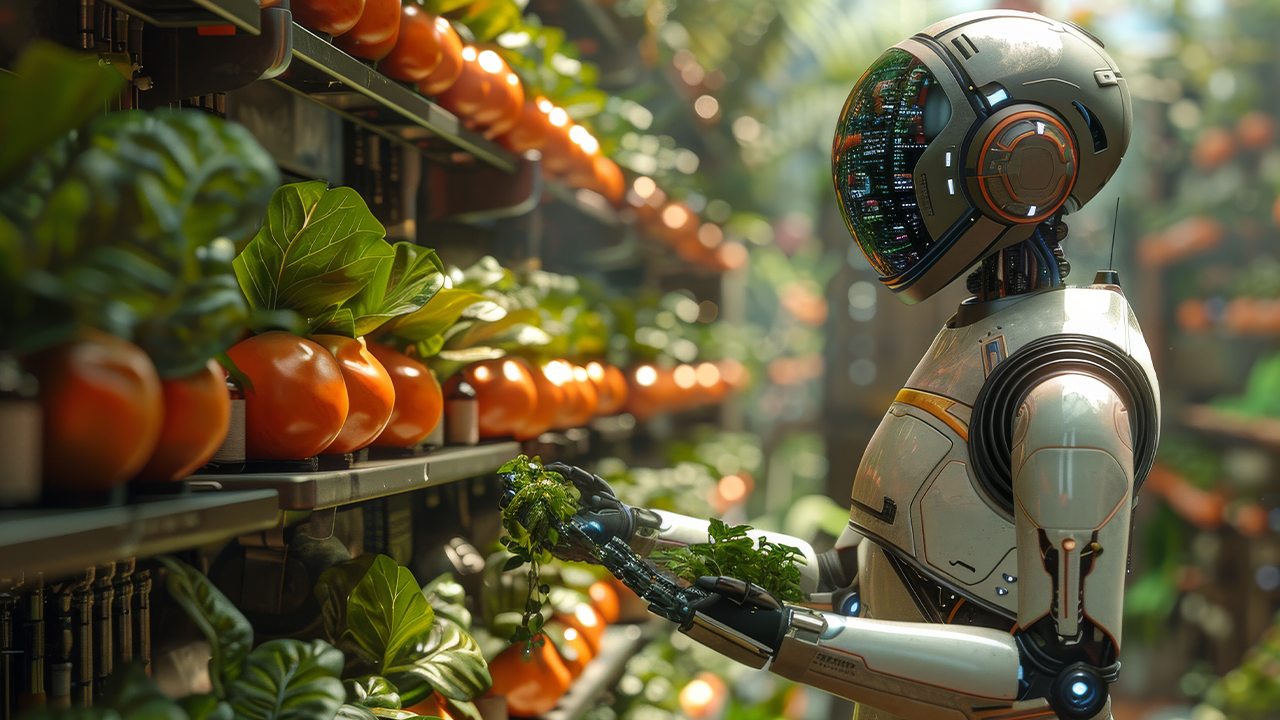
Feeding the Future: Tackling Global Food Security with AI Agriculture
07 Aug, 2024
- 11963 views




2016 - 2026 Copyright @ Graphie.
All Rights Reserved
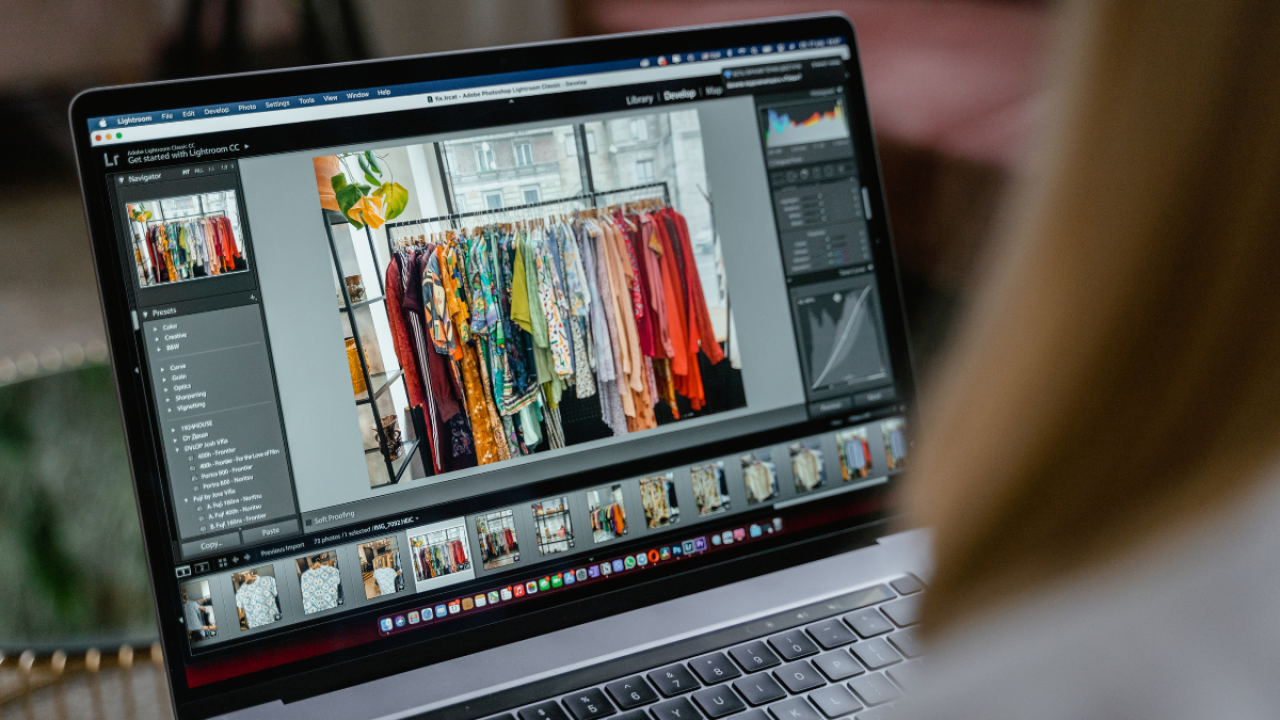
Photo editing is an essential skill for ensuring your images look stunning, whether they’re meant for print or digital platforms. Here are practical tips and techniques to help you achieve perfection in both mediums.
Konsultasi GRATIS tanpa Komitmen, dan wujudkan visual yang menjual.
CHAT SEKARANGBefore you start editing, determine the photo’s purpose. Is it for a high-quality print on a magazine or banner? Or is it for digital use, such as a website or social media? This distinction influences key decisions like resolution, color profile, and file format.
For print, always use high-resolution images (300 DPI or higher) to avoid pixelation. For digital, 72 DPI is sufficient, but you should still ensure clarity, especially for detailed designs. Resize your images appropriately for their intended use.
For print: Use the CMYK color profile, as printers rely on this color model for accurate reproduction.
For digital: Stick to the RGB color profile, which is optimized for screens.
Most photo editing tools like Adobe Photoshop or Lightroom allow you to switch between color profiles effortlessly.
Photos often need tweaks in brightness and contrast to make them more visually appealing. For print, ensure that the contrast isn’t too extreme to maintain details in shadows and highlights. For digital, slightly higher contrast can make your image pop on screens.
Always use non-destructive editing techniques to preserve the original image quality. This includes using layers and masks in photo editing software. These tools let you experiment without permanently altering your photo.
Sharpening is crucial for enhancing details, but the level varies between print and digital. For print, subtle sharpening is ideal, while for digital, you may need to enhance sharpness slightly more to compensate for screen displays.
Avoid resizing images too much, as it can degrade quality. Use tools like Photoshop’s “Preserve Details” option for resizing to retain clarity, whether for digital thumbnails or print banners.
Choose the right file format based on your medium:
Print: Save files as TIFF or PDF for high-quality printing.
Digital: JPEG and PNG are preferred for web use, as they balance quality and file size.
Always test your photos before finalizing. For print, consider doing a test print to ensure colors and details match your expectations. For digital, preview your image on various devices to ensure it looks good on different screen sizes.
Editing photos for print and digital use requires attention to detail and a clear understanding of their intended purpose. By following these tips, you can ensure your images are polished and ready to impress in any format—or simply let Graphie Design handle it for you!


Recommended for you
Feeding the Future: Tackling Global Food Security with AI Agriculture
The Psychology Behind Match-3 Games: Why Ducky Pop is So Addictive
The Best Power-Ups and Boosters in Ducky Pop: When and How to Use Them
Tonework: The Future of Personalized Beauty is Here
Unlock the Hidden Worlds: Exploring the Different Themes and Levels in Ducky Pop
From Idea to Launch: A Step-by-Step Guide to Building Your Dream Startup
The Hydrogen Fuel Frontier: Aryanto Misel's Nikuba Tech Shakes the World
AI to the Rescue: Solving Urban Congestion with Smart Public Transportation
Ducky Pop: A Splash in the Match-3 Pool
Eye-Catching Profits: How Smart Design Turns Browsers into Buyers
The Digital Revolution: How Mobile Apps Have Transformed Our Daily Lives
The Future of Website Design: AI-Driven Tools Transforming User Experience
What Are the Most Challenging Obstacles in Ducky Pop and How to Overcome Them?
Ducky Pop: A Splash in the Match-3 Pool
The Rise of NFTs in the Industry: Revolutionizing Digital Assets and Innovation